Adhen Prasetiyo

Adhen Prasetiyo

Verified

Research Bug bounty at javahack team · 25+ years experience

Research Bug bounty Profesional

Web Development Research Bug Hunter
CCT CEH SSCP CISSP CISM FCX

About Adhen Prasetiyo

Research Bug bounty in Hackerone, bugcrowd, intigriti

Articles by Adhen Prasetiyo (52)

Mobile Fixes | Adhen Prasetiyo

How to Fix iPhone Storage Full — Free Up Space and Update iOS When Nothing Seems to Work

Your iPhone says storage is full. You've deleted apps, photos, and videos, but the storage bar barely moves. That's because the biggest space hog isn't your files — it's "System Data" that iOS accumulates behind the scenes. Here's how to clear it, free up real space, and update iOS even when your phone says there's no

App Fixes | Adhen Prasetiyo

How to Resolve Git Merge Conflicts — The Guide That Actually Explains What's Happening

Git says "CONFLICT" and drops a bunch of weird symbols into your code. Most people panic, pick "Accept Current" or "Accept Incoming" randomly, and hope for the best. That's how bugs get introduced. Here's what those conflict markers actually mean, how to read them, and how to resolve conflicts correctly
Linux Fixes | Adhen Prasetiyo

How to Fix Docker Container That Won't Start or Keeps Exiting — Read the Exit Code First

Your Docker container starts and immediately exits, or it won't start at all. Before you search for random solutions, check the exit code — it tells you exactly what went wrong. Exit 0 means the container finished normally. Exit 1 means the app inside crashed. Exit 137 means Linux killed it because it ran out of memory

Browser Fixes | Adhen Prasetiyo

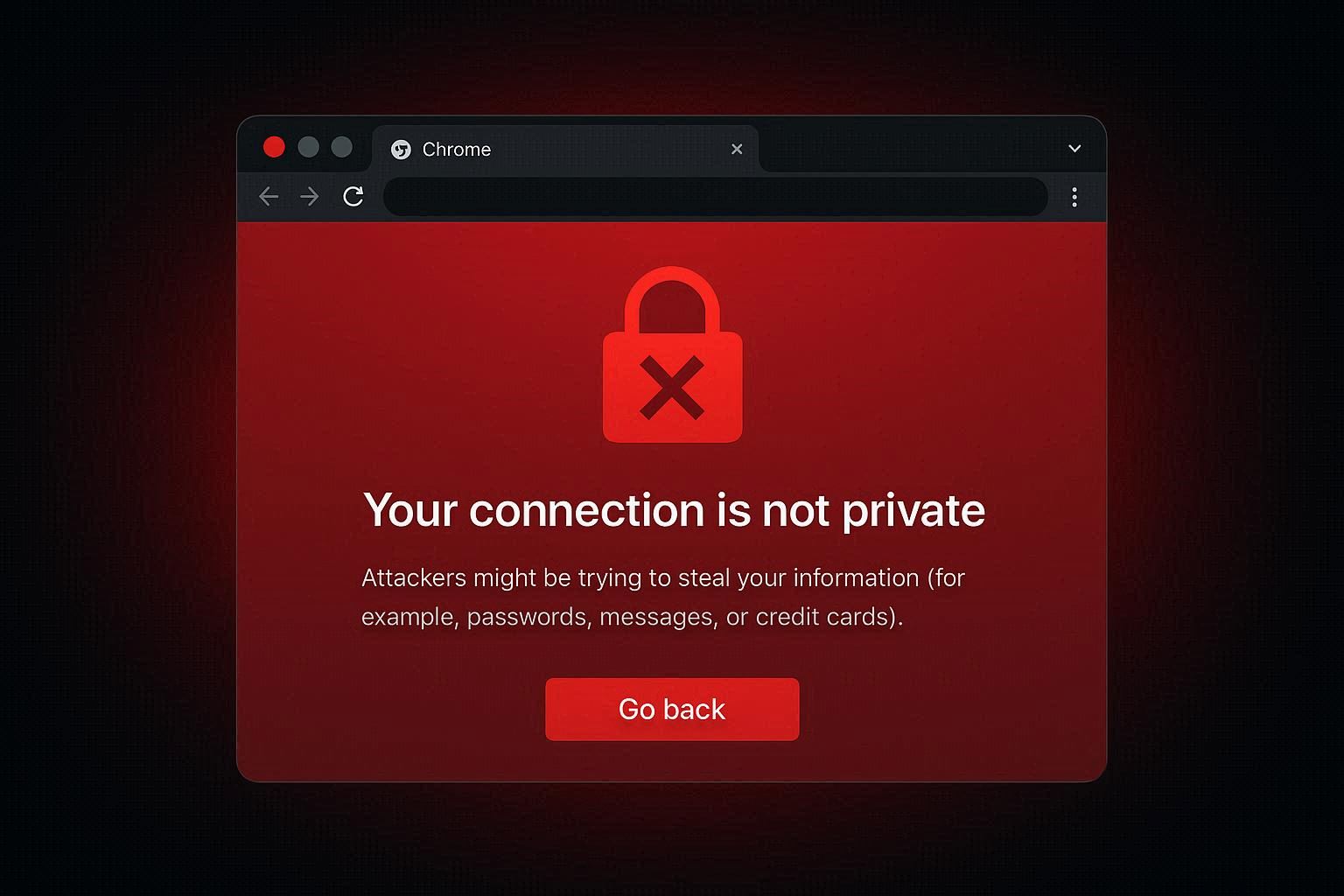
How to Fix "Your Connection Is Not Private" Error on Chrome and Edge — When to Fix It and When to Walk Away

Chrome shows a red warning page saying "Your connection is not private" with error codes like NET::ERR_CERT_DATE_INVALID or ERR_CERT_AUTHORITY_INVALID. Sometimes this means the website has a real security problem you should avoid. Other times your own computer is causing the error on perfectly safe websites. Here's how

App Fixes | Adhen Prasetiyo

How to Fix Zoom Audio Not Working — Microphone, Speaker, or Both

You join a Zoom meeting and either you can't hear anyone, they can't hear you, or both. Before you blame your headset, the problem is almost always a software setting — Windows privacy permissions silently blocking Zoom, wrong audio device selected, or Zoom's own automatic adjustments fighting your system.