Why Does Discord Keep Crashing on Windows 11? Real Fixes for 2026
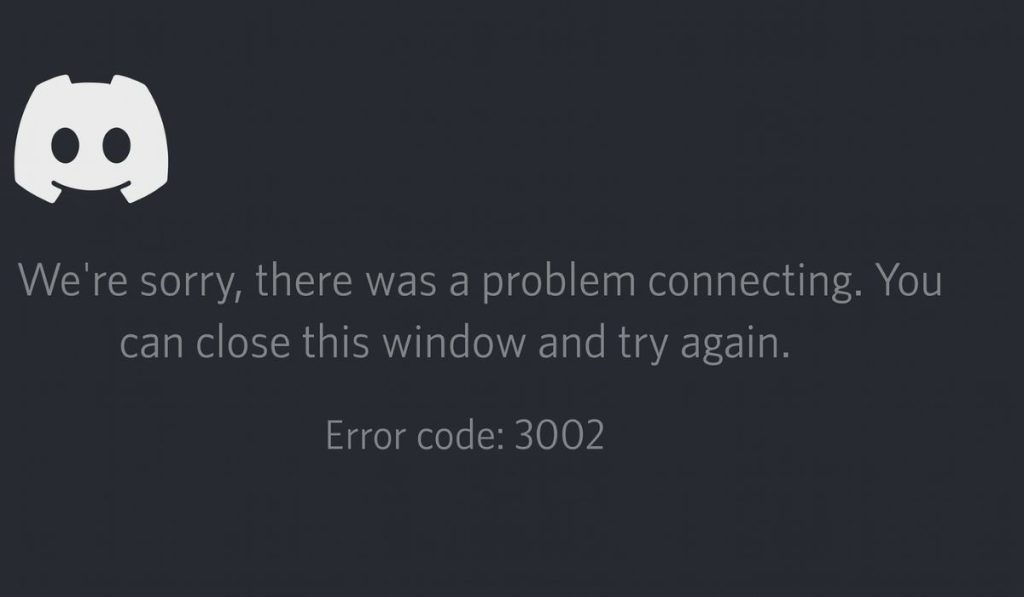
Discord crashes randomly mid-conversation? Won't even open? Here are the real fixes that actually work, from someone who suffered through this.
Spotify, Discord, OBS, Zoom, dll
Discord crashes randomly mid-conversation? Won't even open? Here are the real fixes that actually work, from someone who suffered through this.
You open a spreadsheet and Excel's title bar shows Not Responding. The window goes white and hangs for 30 seconds to several minutes. It happens every time you open a file with more than 50,000 rows or multiple pivot tables. Excel is not broken — it is loading everything at once instead of progressively.
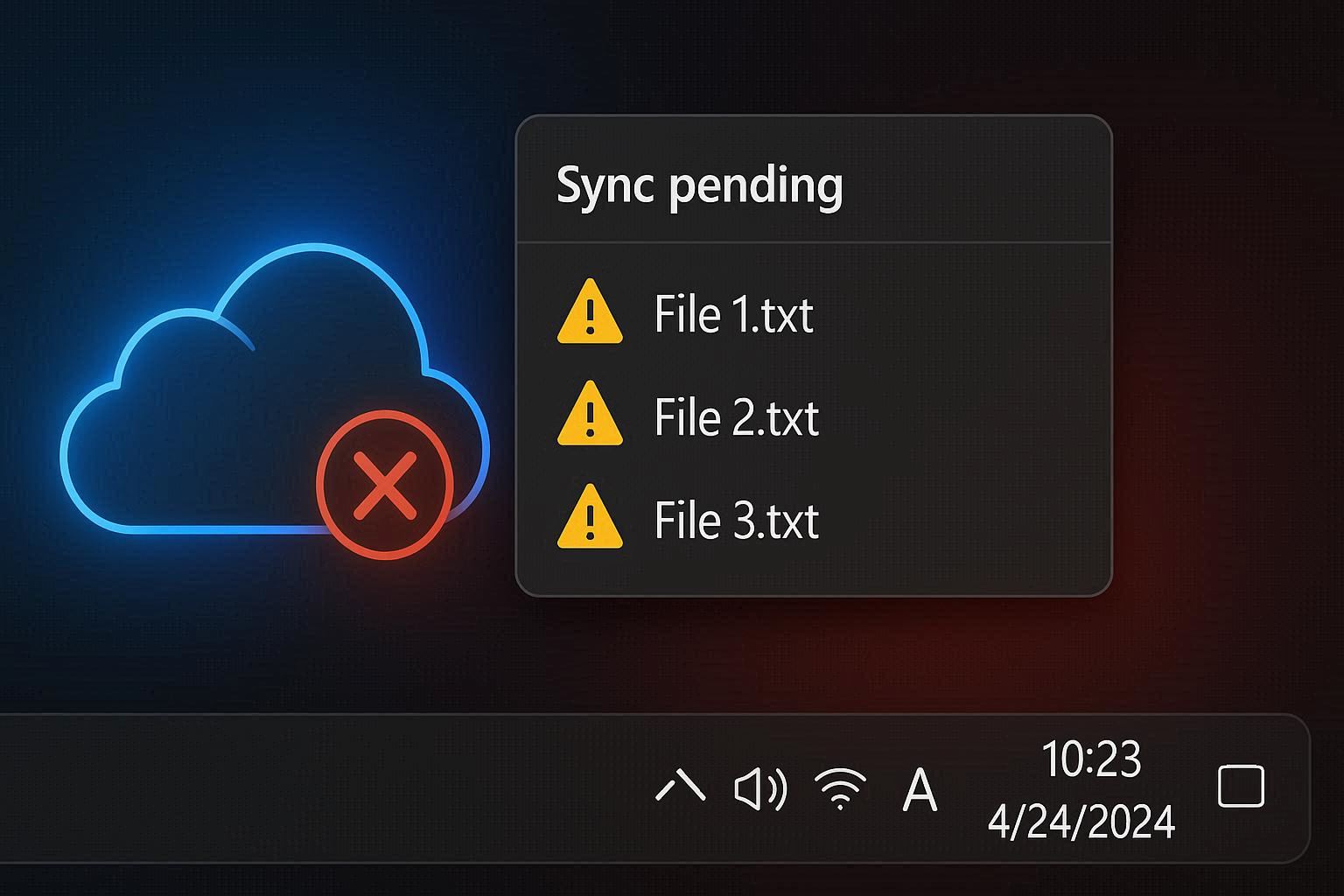
OneDrive shows a permanent sync icon that never finishes. Files stuck at Sync pending for hours. Or worse, the cloud icon has a red X and no amount of pausing and resuming fixes it. Here's the real troubleshooting path beyond restart and re-sign.
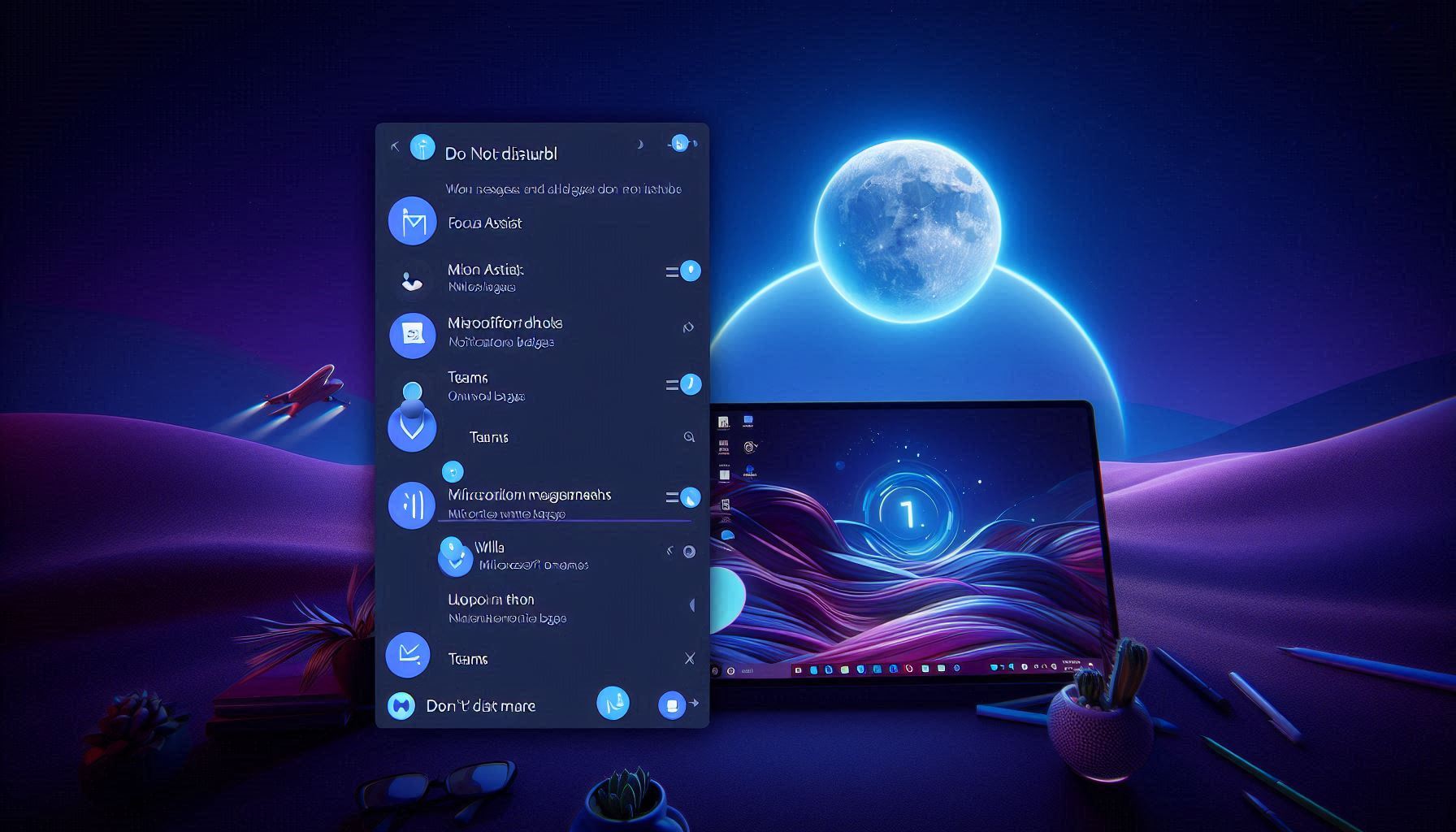
You miss Teams messages because notifications never appear. No sound, no banner, no badge. Notifications are enabled in Teams AND Windows, but Focus Assist silently activates during screen sharing and full-screen apps, blocking everything. Here's the three-layer fix.
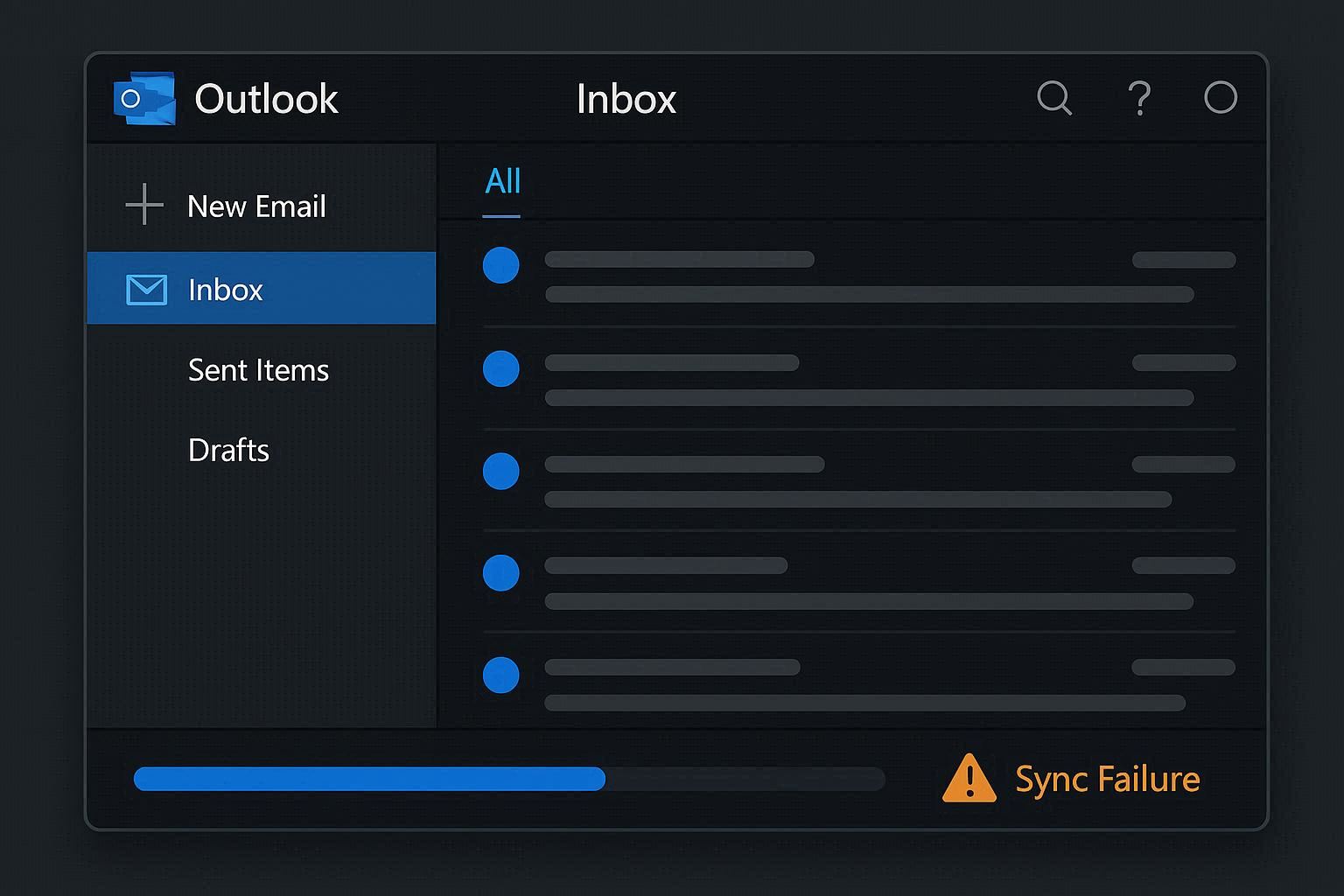
Outlook says "Connected" but no new emails arrive. Or it's stuck on "Trying to connect" for hours. You've restarted it three times. The problem is almost never the email server — it's usually a corrupted local data file, a stuck sync process, or an authentication token that expired without telling you.
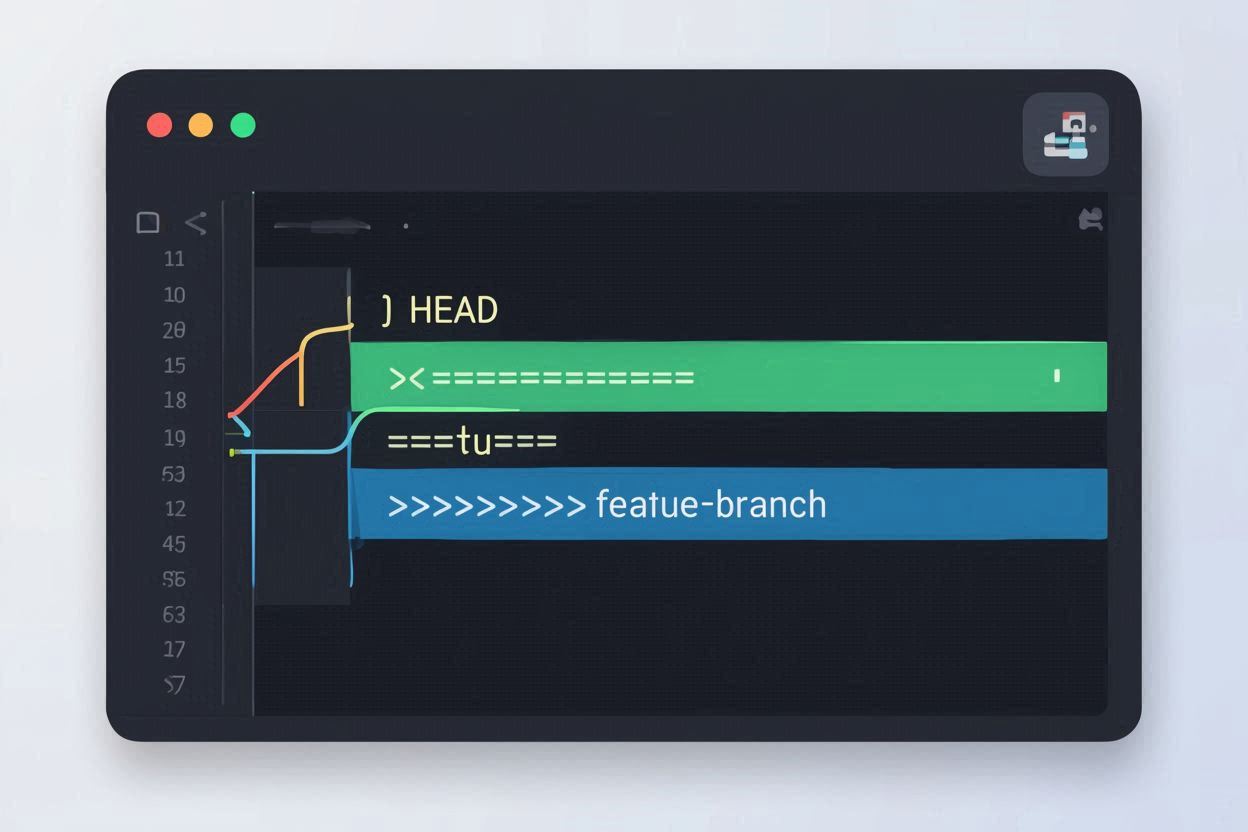
Git says "CONFLICT" and drops a bunch of weird symbols into your code. Most people panic, pick "Accept Current" or "Accept Incoming" randomly, and hope for the best. That's how bugs get introduced. Here's what those conflict markers actually mean, how to read them, and how to resolve conflicts correctly
You join a Zoom meeting and either you can't hear anyone, they can't hear you, or both. Before you blame your headset, the problem is almost always a software setting — Windows privacy permissions silently blocking Zoom, wrong audio device selected, or Zoom's own automatic adjustments fighting your system.
You start screen sharing on Discord and everyone in the call sees a black screen. Your screen looks fine to you, but they see nothing. The most common cause is a permission mismatch between Discord and the app you're sharing — but there are seven other things that can break it too.
Steam throws "Content File Locked" every time you try to update a game? The update downloads but won't apply. Most people just redownload the entire game — but you don't have to. The fix is finding which specific file is locked and why.
Spotify desktop app stuck on "Something went wrong, try reloading the page"? Before you reinstall, check the hidden proxy setting inside Spotify — it's the #1 fix that actually works.
Canva shows "Sorry, something went wrong" and won't load your design, save your work, or export. Is it Canva's servers or your browser? Here's how to tell — and how to fix both.
OBS shows "Encoding overloaded!" and your recording turns into a slideshow. Every guide says "lower your settings" — but that's the lazy answer. Here's how to actually fix it while keeping your quality as high as possible.