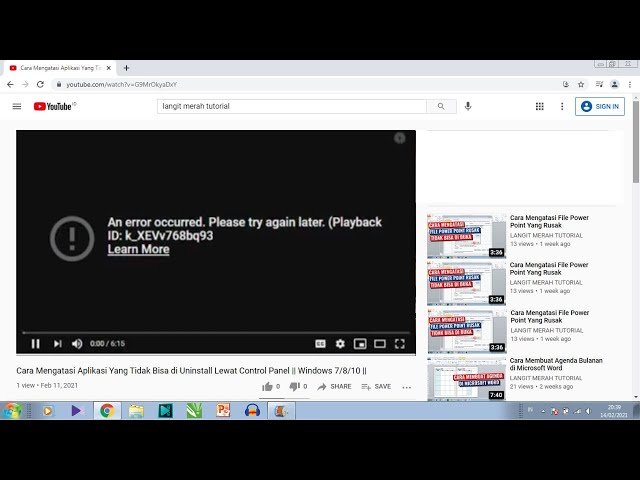
How to Fix YouTube Videos Stuttering or Lagging in Chrome on Windows
YouTube buffers and stutters in Chrome but other browsers work fine? Here are the real Chrome-specific fixes that solve it.
Chrome, Edge, Firefox errors
YouTube buffers and stutters in Chrome but other browsers work fine? Here are the real Chrome-specific fixes that solve it.
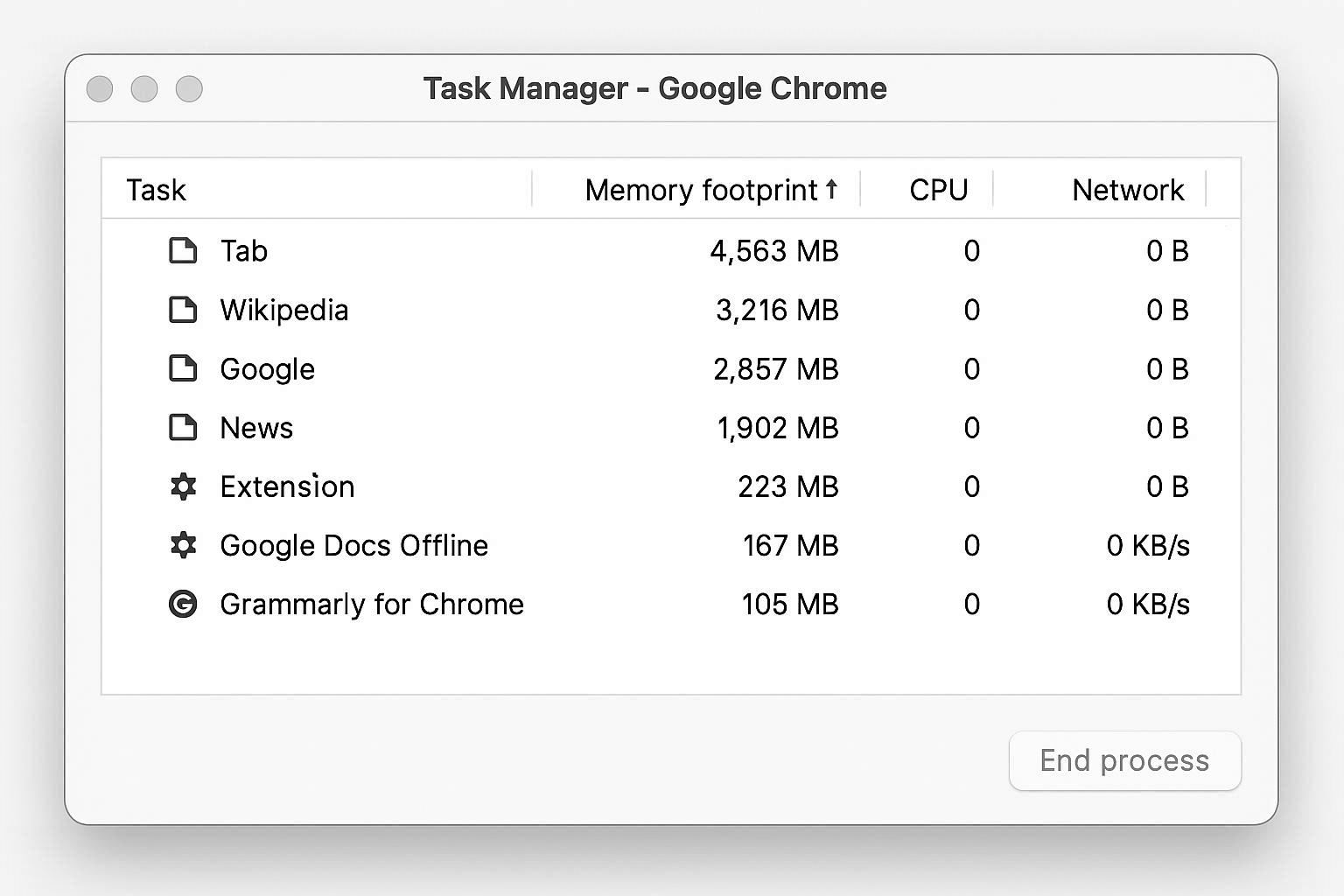
You have 5 tabs open. Chrome is eating 8GB of RAM. Your laptop is melting. The whole "Chrome is a memory hog" thing has gotten out of hand. Here's how to actually figure out which tab or extension is the criminal.
Chrome is slow. Chrome eats all your RAM. You've heard this a thousand times. But the reason most fixes don't work is because they target the wrong thing. The real memory killers aren't your 20 open tabs — it's what's running INSIDE those tabs. Here's how to find and stop the actual resource hogs.
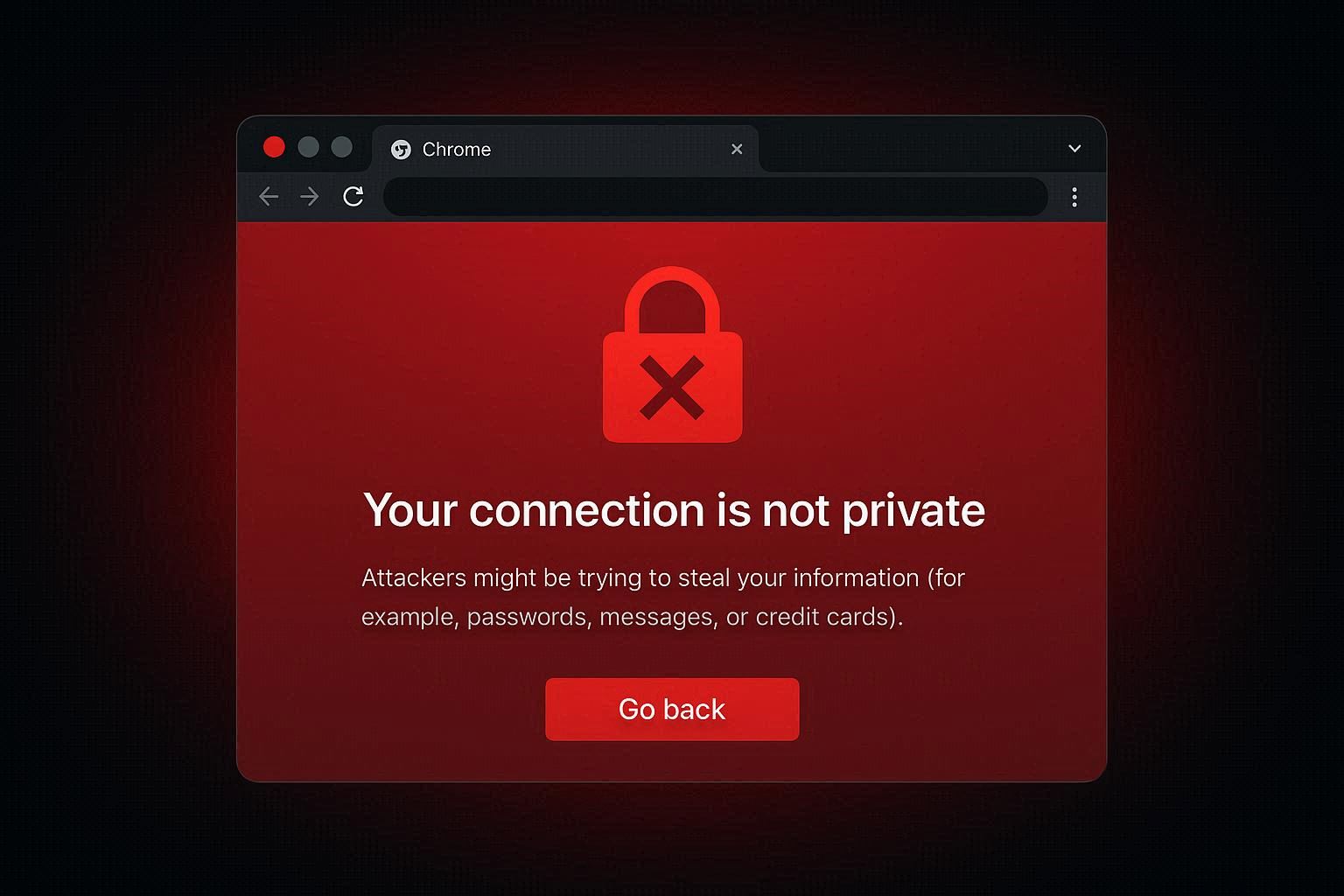
Chrome shows a red warning page saying "Your connection is not private" with error codes like NET::ERR_CERT_DATE_INVALID or ERR_CERT_AUTHORITY_INVALID. Sometimes this means the website has a real security problem you should avoid. Other times your own computer is causing the error on perfectly safe websites. Here's how
Chrome or Edge keeps crashing with "Aw, Snap!" and error code STATUS_ACCESS_VIOLATION? This isn't a random glitch — your browser is trying to access memory it doesn't have permission to use. Here are six fixes that actually work, starting with the one most people miss.
Chrome showing ERR_CONNECTION_TIMED_OUT on every website or specific sites? The issue is your network, DNS, or proxy — not Chrome itself. Here are 6 real fixes.
Chrome shows ERR_QUIC_PROTOCOL_ERROR but only on YouTube, Gmail, or Google sites? That's because Google is one of the few companies that uses the QUIC protocol. Your firewall is probably blocking UDP port 443. Here's the one-flag fix and the real network solution.
Chrome says "This site can't be reached — DNS_PROBE_FINISHED_NXDOMAIN." You flush DNS, it still happens. That's because Chrome has its OWN internal DNS cache that's separate from Windows. Here's how to clear both — plus the hosts file trick nobody checks.
Chrome shows ERR_CACHE_MISS and asks you to "Confirm Form Resubmission." Most guides tell you to clear cache. But this isn't a cache problem — it's Chrome preventing you from accidentally submitting a form twice. Here's what's really going on and how to fix it.